••
Your moment▂▅▃
All calm. Your PC is running well.
All calm — your PC is running well.
51%CPUProcessor
87%RAM13.6 / 16 GB
Mira / WebView10.1%
Svchost6.4%
OneDrive4.6%
Your Assistant
Your little helper.
 MiraDeutschJoin the free waitlist
Choose a feature and try it for yourself.
Your little helper.
Music expanded · 404 × 170
What matters. At a glance.
A quiet shape at the top of your screen. It shows what matters now and expands when you need more.Music controls and the timer use sample data here.

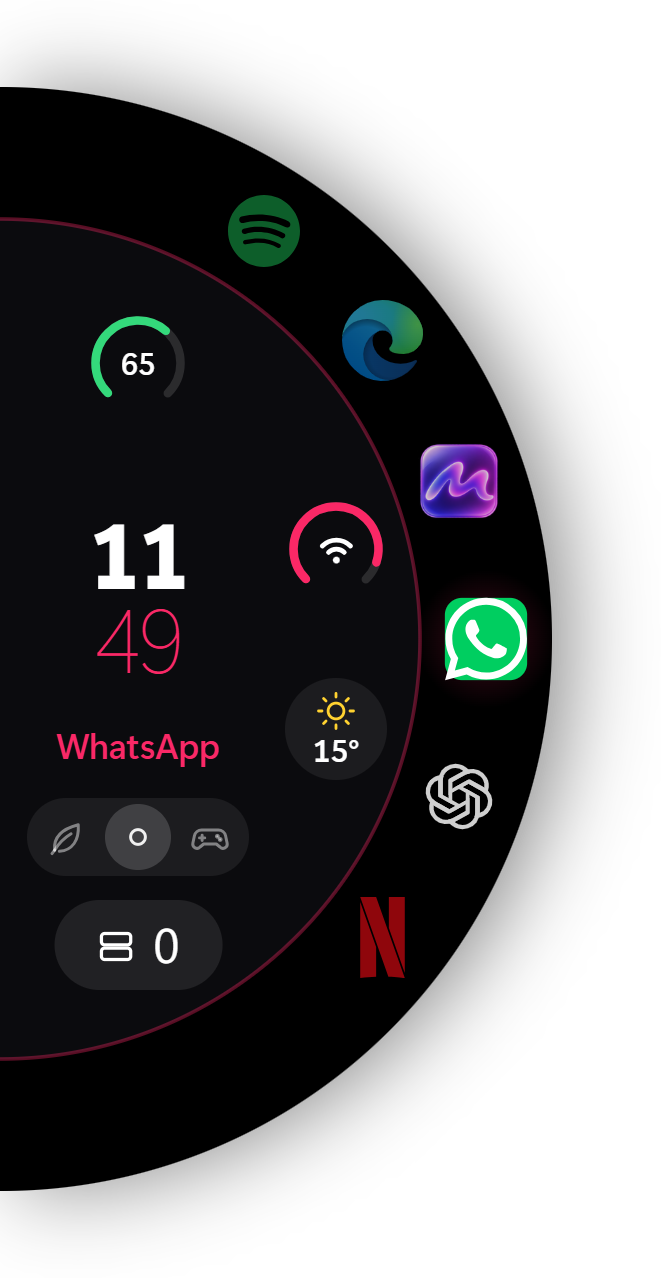
At the edge. Within reach.
Your apps, clock and status in a slim bar. The app wheel opens at the screen edge. Or use the classic Mira dock.
Everything in your space.
Clock, weather, calendar and more. Place them freely and adjust size, colour and transparency to suit your desktop.
Your desktop gets company.
Real characters with their own poses. They walk, wave and make themselves at home on your desktop.Interactive preview with sample data. Assistant and Meta Taskbar: Premium.
Your game's FPS, right in the Dynamic Island. A quick glance keeps your frame rate in view while you play.
Mira reads Windows frame events for DirectX 9 and DirectX 10–12. A one-time Windows permission and signing in again may be necessary. Displaying FPS does not increase FPS.
Three ways to your desktop. What matters is how Mira works with Windows.
Hybrid combines the actual Windows taskbar in Mira's style with animated wallpapers beneath your desktop icons. Add widgets and companions if you like.
Changing modes may restart Mira. Native Light and Hybrid integrate with the Windows interface; styling may need adjustments after Windows updates. Overlay leaves the Windows interface itself unchanged.
Your desktop can feel alive. It does not have to keep working when your game or battery matters more.
Gaming pauses Mira's desktop and Hub animations and throttles its own processes. A detected game can run at a higher priority.
Usage depends on your PC and content. In Gaming mode, Mira gives its hidden WebViews a lower memory target. It does not close other programs. We do not promise a fixed RAM figure or more FPS without measurements.
Illustration of the selected mode, not a performance benchmark.
60 or 144 Hz as the target rate for Mira's script-driven animations. Choose between a lower rate and finer motion steps.
A new step every
16.7 milliseconds
A new step every
6.9 milliseconds
Intervals at the selected target rate, not measured game FPS. Visible frame rate also depends on your monitor and hardware; pure CSS transitions are rendered separately.
One continuous style or a different feel on every monitor. Mira supports matching, separate and spanned wallpapers across multiple screens.
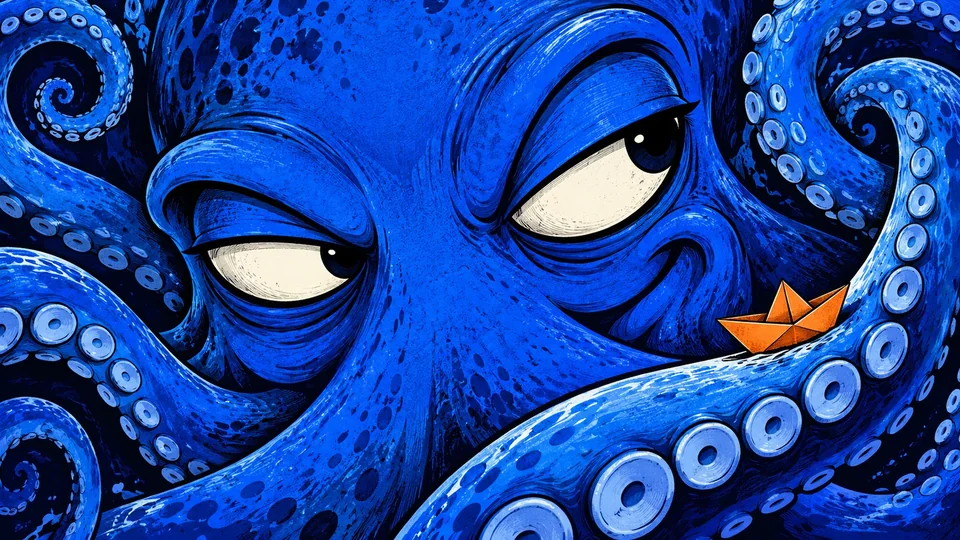
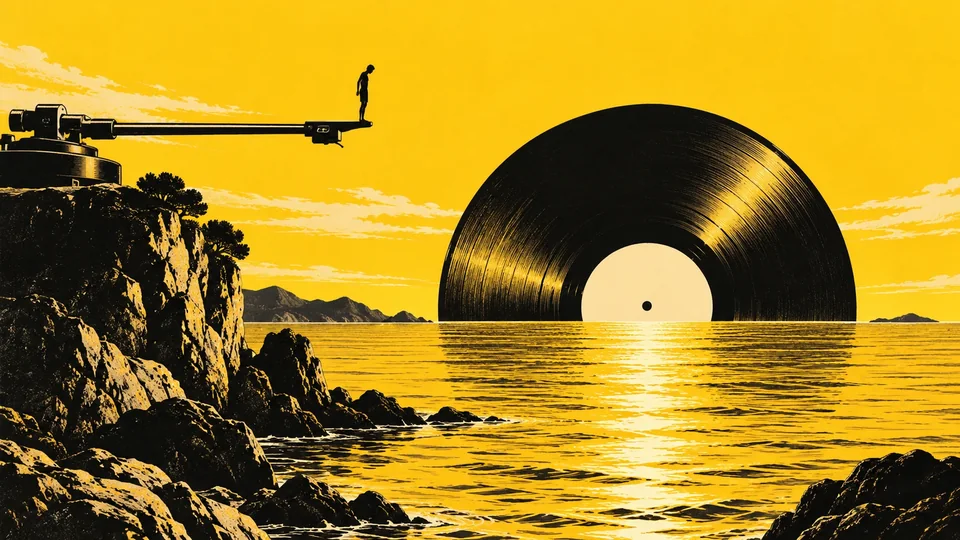
Your wallpapers can follow the time of day. Or switch at your chosen interval, in order or randomly, with transitions such as crossfade or zoom.
Explore the rest, organised by topic.
Your desktop with wallpapers, widgets, app tiles, decorations and companions. It sits behind your windows, like the normal Windows desktop, and responds to clicks as usual.
Your control centre: editor, Discover, community, your designs and every setting. This is where you change what appears on your desktop.
A design brings everything together: wallpaper, colours, widgets, pages and companions. Keep several and switch with one click, like different workspaces.
Style the actual Windows taskbar, use a static wallpaper and optionally add widgets and companions.
Combine the actual Windows taskbar with animated wallpapers beneath desktop icons. Widgets and companions can be added.
A separate layer for wallpapers, widgets and companions. The Windows interface remains unchanged.
Your own images, colours, gradients and animated wallpapers. Adjust brightness and blur for each image. Mira also offers wallpapers upscaled to 8K.
Add several wallpapers to a design using the plus button. Rotate them every 30 seconds to one hour, in order or randomly, with transitions such as crossfade or zoom.
Switch wallpapers by time of day: bright mornings, warm evenings, dark nights. The timeline shows when each wallpaper is used; set its start time individually.
Clock, weather, calendar, music, notes, tasks, photos, system stats, chat apps and more. Drag them onto the grid and resize at the corner. Each widget has its own styles and settings.
Add programs as desktop tiles and organise them across pages. Newly installed apps appear automatically with their icons, without restarting.
Lights, shapes, stickers and effects placed freely over your wallpaper. Add atmosphere without taking up grid space.
Small characters walk across your desktop, stand on widgets and the dock, climb and sleep. Give them names and custom phrases. They dance to music and celebrate when a timer ends.
Choose which screen each companion lives on, or let them walk over the edge onto the next monitor.
Style your Windows lock screen too, with a picture and embedded widgets such as a clock or calendar.
Your saved designs and widget templates. Apply a design to your desktop or use the pencil to edit it. The current design is marked Active.
The editor's bottom bar controls surface opacity, accent colour, custom cursors (including system-wide), Mira taskbar and Dynamic Island.
Move widgets and edit companions right on the desktop. Outside editing mode, the desktop is protected so an accidental click does not open anything.
The classic Mira dock or Meta Taskbar with an expandable app wheel. Apps, clock, Wi-Fi, battery, weather and window overview stay within reach at the screen edge. Meta Taskbar is part of Premium.
A compact shape at the top of your screen that shows music, charging, volume and timers, and expands when needed.
Use the same design on every monitor, a different one on each, or a wallpaper spanning them all. Identify shows which monitor is which.
Normal uses your selected effects. Power saving pauses demanding animations and reduces companion frame rates. Gaming throttles Mira's own background work and can prioritise a detected game. Mira does not close other programs; an FPS increase is not guaranteed.
144 Hz targets finer motion on compatible monitors. 60 Hz uses fewer animation updates and can reduce processing and battery use, particularly on laptops.
See Mira's current memory and CPU use, detected monitors and data size. Copy report helps when troubleshooting.
In Gaming mode, Mira counts Windows frame events for supported DirectX games and shows the frame rate in the Dynamic Island. A one-time Windows permission may be needed. The display does not increase FPS.
Mira automatically creates versions at startup, every 30 minutes and before imports or resets. Return to an earlier state with one click.
Save all designs, settings and Creator works in one file to take to a new PC.
Find designs, wallpapers, widgets and companions to use. Filter by style and category while browsing.
Find content with typo tolerance, synonyms, hashtags and filters including colour.
Discovering designs, friends and reactions are part of Mira's community interface. Accounts, public sharing and moderation are planned for launch.
Build wallpapers, companions with poses, cursors and widgets using layers, animation and your own files. Use finished work in Mira or share it.
Save what you like and find your own designs in one place.
The basics remain free. Premium and Lifetime add features including the Assistant and Meta Taskbar. See pricing for the planned offers.
View pricing